A focused working day
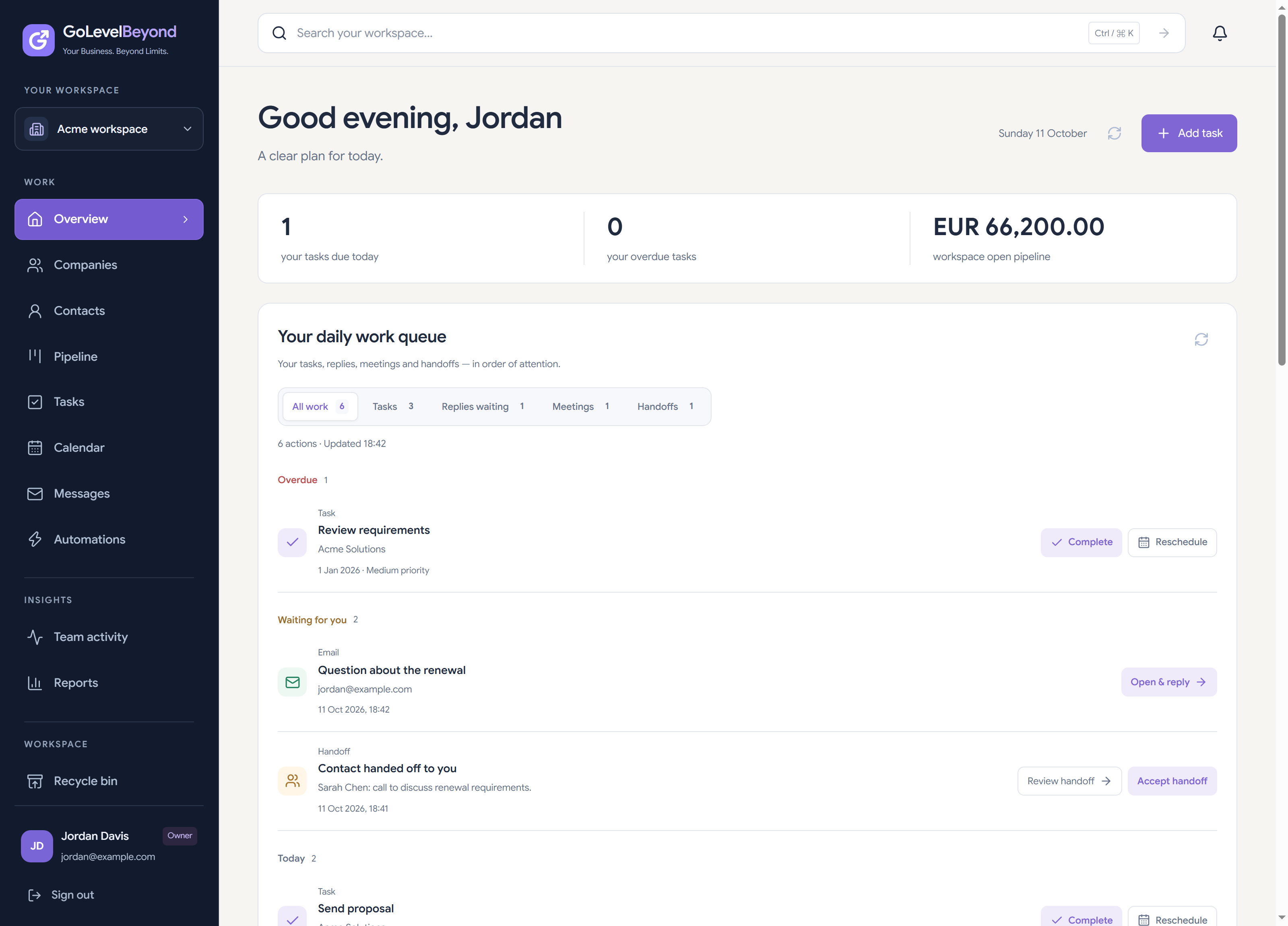
Review today’s priorities, overdue work and upcoming tasks. Keep your own actions visible alongside the workspace context.
Tasks & follow-ups
Keep promises from getting lost between calls, notes and inboxes. Give follow-up work an owner, a due date and a connection to the client or deal behind it.
Inside the workflow
Review today’s priorities, overdue work and upcoming tasks. Keep your own actions visible alongside the workspace context.
Assign tasks to teammates and review personal, team and unassigned work. Make the next action clear at handoff.
Use recurring tasks for regular check-ins and routines. Completing a recurring task advances its next due date.
Create a linked task, assign the teammate responsible and set a due date. Review it in daily priorities, complete it after the conversation and record the next action.
Yes. Tasks can connect follow-up work to clients and sales opportunities so the action stays with its context.
Daily, weekly and monthly recurrence are supported. Completion advances the same task to its next future due date; it does not create a separate historical task for each occurrence.
No. Tasks and recurring work organize responsibility and timing. They are not automatic outbound email delivery.
Automation rules support triggers such as deal stage changes and follow-up dates, with task and in-app notification actions. Availability of email-related triggers depends on mailbox integration setup.